Design was once an exclusive process reserved for those with years of experience, costly software, and the ability to learn the skills creatively. Well, not anymore. The year 2026 marks a new age in design thanks to AI. Non-designers will have an equal shot at creating professional-grade designs in record time using artificial intelligence and design automation tools.
Thanks to generative AI, text-to-image conversion, and intelligent design automation, non-designers now have access to some of the most powerful tools on the market to create anything from a blog post thumbnail to an entire web design. Even better is that most of the time, you don’t need to be familiar with design itself, all you need to know how to do is tell the tool what you want and the results are almost instantly produced. Below is a rundown of the 8 best AI design tools for non-designers in 2026 – complete with prices and pros/cons..
What to Look for in an AI Design Tool
Before you commit to any platform, it's worth knowing what separates a genuinely useful AI design tool from one that just looks good in a demo. Here's what matters most:
- Ease of use: Can a complete beginner get a usable result in under an hour? Look for drag-and-drop interfaces, pre-built templates, and guided workflows that don't assume design knowledge.
- AI automation quality: The best tools go beyond filters and effects. Look for features like text-to-design generation, auto-layout, smart resizing, background removal, and generative fill that actually save time.
- Template library: A large, regularly updated template library is a non-negotiable for non-designers. Templates give you a professional starting point you can customize, rather than a blank canvas you have to fill from scratch.
- Brand kit support: If you're using a tool for business purposes, it should let you store your logo, brand colors, and fonts so every design stays on-brand automatically.
- Text-to-image capabilities: In 2026, the best tools let you type a prompt and generate custom images, no need to hunt through stock photo libraries.
- Collaboration features: If you work with a team, real-time collaboration, commenting, and shared libraries are essential.
- Export options: Make sure the tool exports in the formats you need, PNG, JPG, PDF, SVG, MP4. Some tools lock certain formats behind paid tiers.
- Pricing and free plan: Many AI design tools offer a genuinely useful free tier. Understand what's included before upgrading.
How to Choose the Right AI Design Tool for Your Needs
- For social media content creators: You need speed, volume, and variety. Look for tools with massive template libraries, AI-powered resizing across formats (Stories, Reels, LinkedIn banners), and one-click background removal. Canva AI is the most popular choice here, and for good reason.
- For branding and logo design: You need something that goes deeper than a single graphic. Tools like Looka are purpose-built for generating logos, brand guidelines, and complete visual identity systems without needing to hire a designer.
- For UI/UX and product design: If you're building an app or digital product, Figma AI and Uizard are in a league of their own. Both offer text-to-UI generation, prototyping, and developer handoff with Uizard being more accessible for non-designers.
- For website creation: Framer AI is the standout here. It generates complete, responsive, publishable websites from a text prompt, no code required.
- For marketing campaigns: Adobe Firefly integrated into Adobe Express is the safest bet for teams that need commercially licensed AI-generated imagery. Its training on licensed content means you can use every asset in paid campaigns without legal risk.
By budget:
- Free tier users: Canva Free, Figma Starter, Uizard Free, Google Stitch (currently free via Google Labs)
- Under $20/month: Canva Pro ($13/month), Adobe Firefly ($9.99/month)
- Under $50/month: Figma Starter/Pro, Framer Pro ($30/month), Uizard Pro ($19/month)
By skill level:
- Complete beginners: Canva AI, Microsoft Designer, Looka
- Intermediate users: Adobe Express, Framer AI, Uizard
- Design-adjacent professionals: Figma AI, Midjourney
AI Design Tools: Key Trends in 2026
- Generative AI design is now mainstream. What was a novelty in 2023 is a core workflow feature in 2026. Tools like Canva Magic Design and Figma Make generate complete, ready-to-use layouts from a sentence, not just image placeholders.
- Prompt-based design creation has gone multimodal. The best tools now accept text, images, sketches, and even voice commands to generate UI mockups, marketing graphics, and brand assets. Google's Stitch tool accepts all four input types in the same session.
- AI brand consistency is a real thing. Brand kits have evolved from simple color palettes to fully intelligent systems that automatically apply your visual identity, fonts, colors, logo placement, tone to every design you create.
- AI-powered video editing is growing fast. Tools like Canva and Freepik have expanded into AI video generation and editing, letting non-designers produce short-form video content without any editing software experience.
- Real-time collaboration is now expected, not exceptional. Figma pioneered it, and now most serious AI design tools offer live co-editing, version history, and comment threads as standard features.
8 Best AI Design Tools for Non-Designers in 2026
1. Canva AI
Canva has been the go-to design tool for non-designers for years, and its AI layer Magic Studio has taken it to a new level entirely. With over 220 million users globally as of early 2026, it remains the most widely used design platform outside of professional design studios.
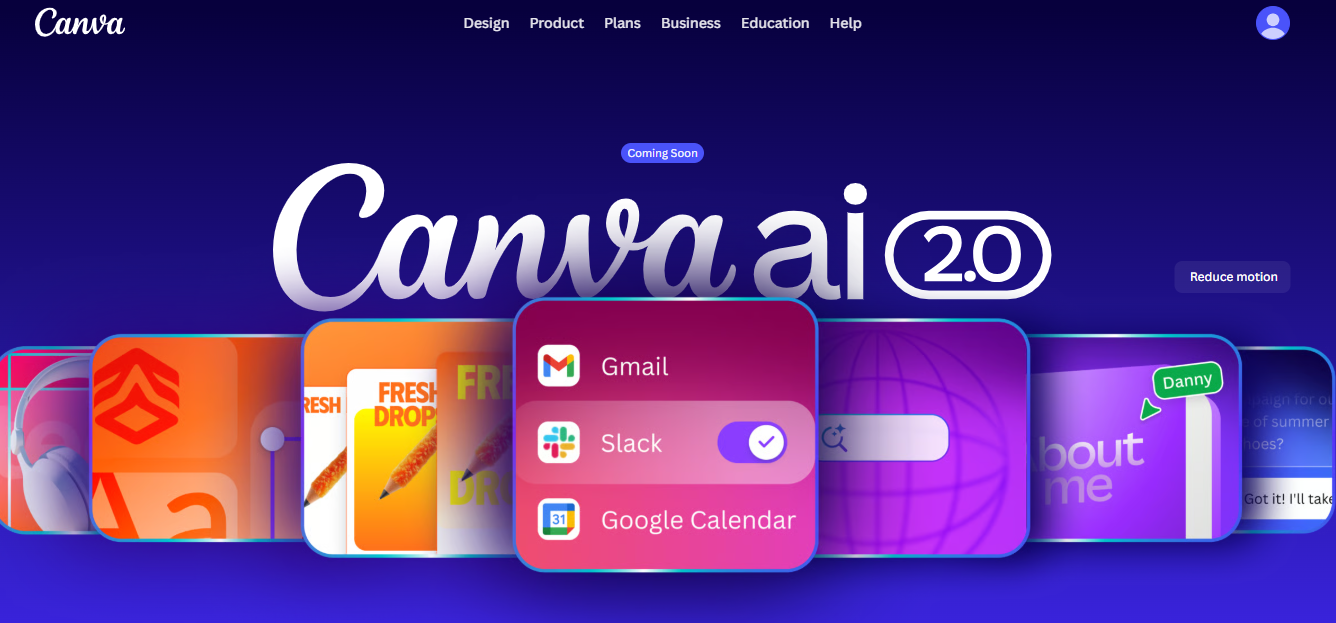
Best use cases: Social media graphics, presentations, email banners, marketing materials, video content, and team collaboration.
Key features:
- 220M+ users with a massive, constantly updated template library
- Brand Kit for consistent visual identity across all designs
- Magic Layers for turning flat images into editable, layered files
- AI image generation from prompts
- Real-time team collaboration
- Presentation, video, website, and social media support all in one platform
Pricing: Free plan available. Canva Pro is approximately $13/month (billed monthly) or $120/year.
2. Adobe Firefly / Adobe Express
Adobe Firefly is Adobe's generative AI engine, built directly into Adobe Express, Photoshop, and Illustrator. What sets it apart in a crowded field is its training data: Firefly is trained exclusively on licensed content, making every image it generates safe for commercial use no copyright ambiguity.
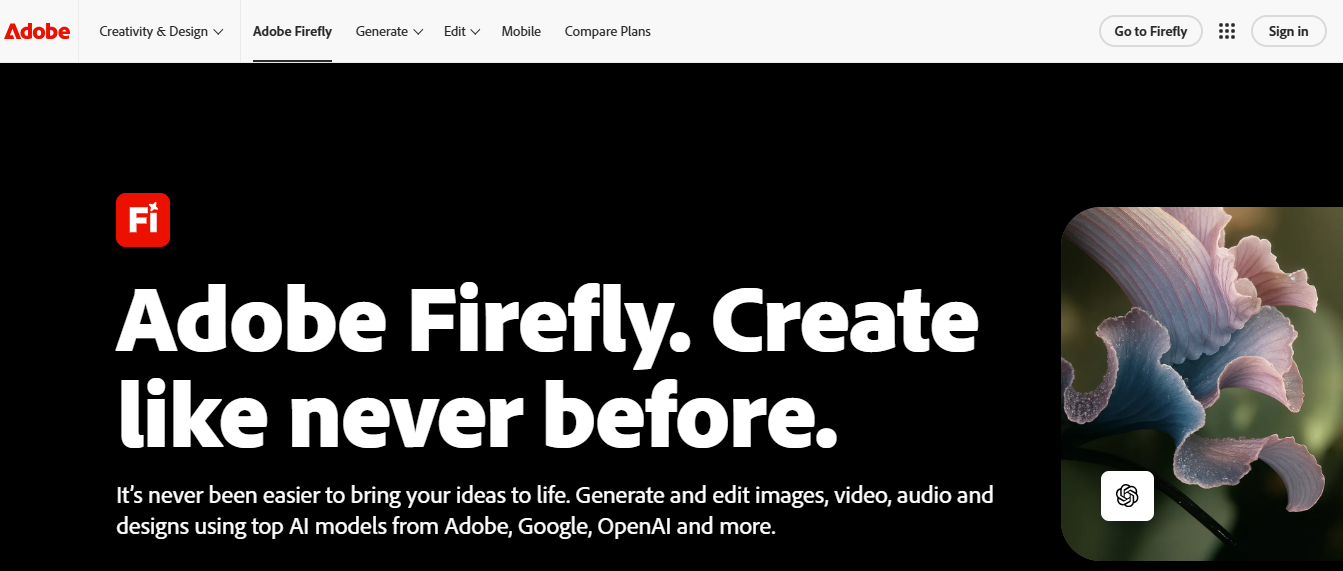
Best use cases: Marketing campaign assets, product imagery, professional photo editing, brand content for paid advertising, and enterprise creative teams.
Key features:
- Commercially licensed training data, safe for paid campaigns
- Deep integration with Photoshop, Illustrator, and the full Adobe Creative Cloud
- Generative Fill for seamless image editing
- Content credentials and asset verification
- Multi-format export option
Pricing: Adobe Firefly starts at approximately $9.99/month as a standalone. Adobe Express has a free tier. Adobe Creative Cloud (all apps) varies by plan.
3. Figma AI
Figma is the industry standard for UI/UX and product design, and its AI features have made it a significantly more accessible tool even for non-designers who need to communicate product ideas. According to Figma's own 2026 State of the Designer report, 72% of designers now use generative AI in their workflows, with 91% reporting that AI improves the quality of their outputs.
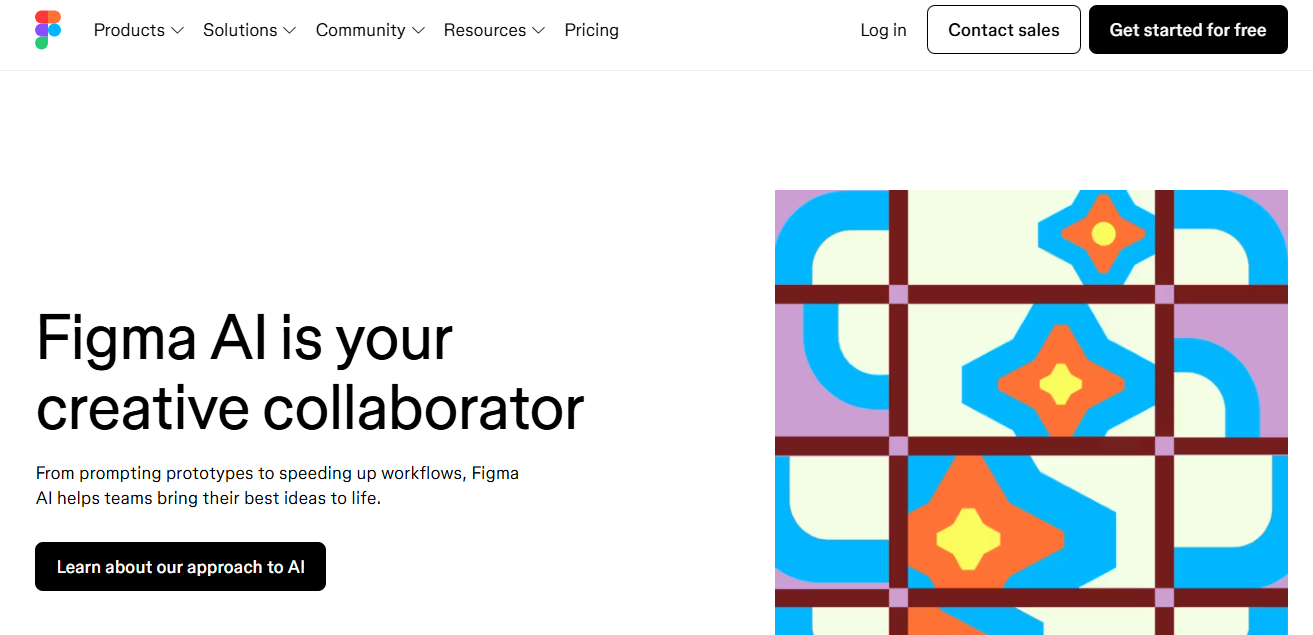
Best use cases: App design, website UI mockups, prototyping, product design, developer handoff, and design system management.
Key features:
- Complete pipeline from design to prototype to developer handoff
- Text-to-design generation via Figma Make
- Real-time collaboration across design and engineering teams
- Plugin ecosystem with hundreds of third-party integrations
- Used at 85% of Fortune 500 companies (per Figma's 2025 design report)
Pricing: Free Starter plan includes limited AI credits. Figma Professional starts at $15/month per editor.
4. Looka
Looka (formerly Logojoy) is purpose-built for one job: helping entrepreneurs and small business owners create a professional brand identity without a designer. It has served over 20 million businesses across 188 countries, making it one of the most established AI branding platforms on the market.
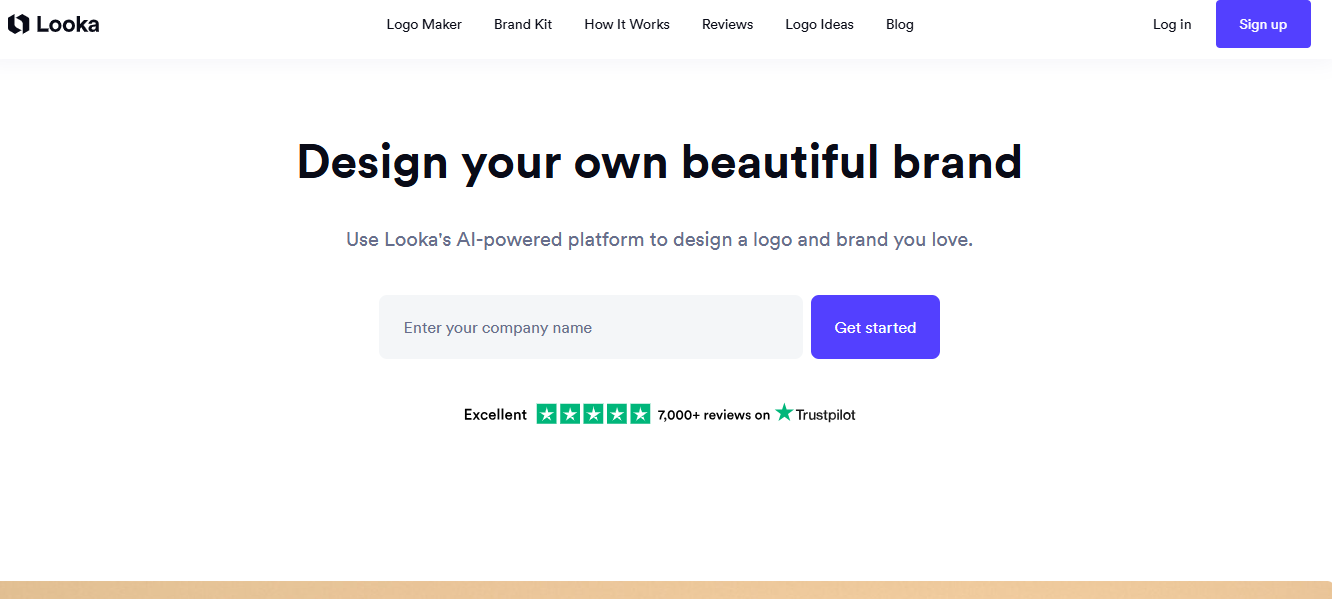
Best use cases: Logo creation, brand kit generation, social media template design, business card design, and basic website creation.
Key features:
- Generates approximately 40 logo concepts instantly based on your preferences
- 300+ branded asset templates (business cards, social media headers, letterheads)
- Brand guidelines included with paid plans
- AI-powered website builder (Brand Kit Web plan)
- Full commercial ownership rights with every paid plan
- Unlimited post-purchase design changes on Premium and Brand Kit plans
Pricing:
- Basic Logo: $20 one-time (low-res PNG only)
- Premium Logo: $65 one-time (full vector file set, unlimited changes, commercial rights)
- Brand Kit: $96/year (logo + 300+ branded templates)
- Brand Kit Web: $129/year (everything above plus AI-generated website with hosting)
5. Framer AI
Framer AI generates complete, responsive, publishable websites from a text prompt, no coding or design experience required. Unlike basic website builders, Framer produces genuinely modern, polished sites that look hand-crafted rather than template-stamped.
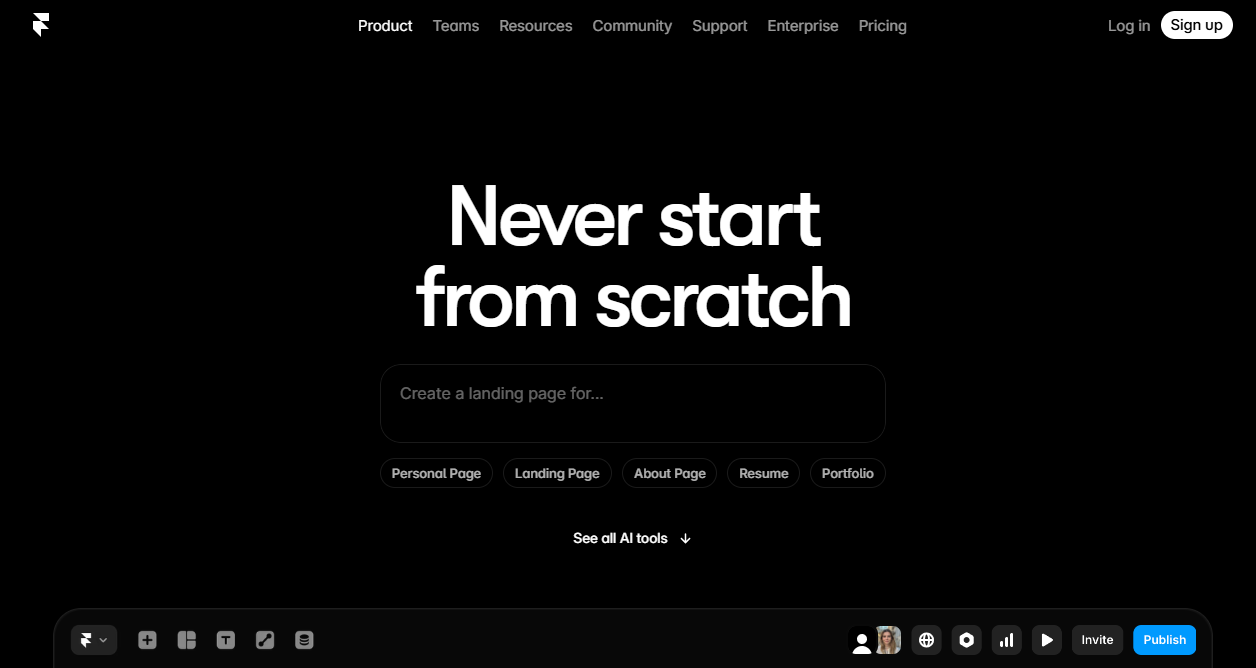
Best use cases: Personal portfolios, startup landing pages, product websites, freelancer sites, and small business web presence.
Key features:
- Complete websites from text prompts, ready to publish
- Built-in CMS for content management
- Responsive design across all devices, automatically
- AI translation for multilingual publishing
- On-page editing after generation
- Custom domain support on paid plans
Pricing:
- Free plan available (with Framer subdomain)
- Basic: $15/month
- Pro: $45/month
- Scale: $100/month
6. Uizard
Uizard is the most accessible UI design tool for people without a design background. Its signature feature is screenshot-to-design: take a screenshot of any app interface you admire, upload it to Uizard, and it generates an editable version in your workspace. Combined with Autodesigner (text-to-UI generation), Uizard lets non-designers turn rough ideas into clickable prototypes in minutes.
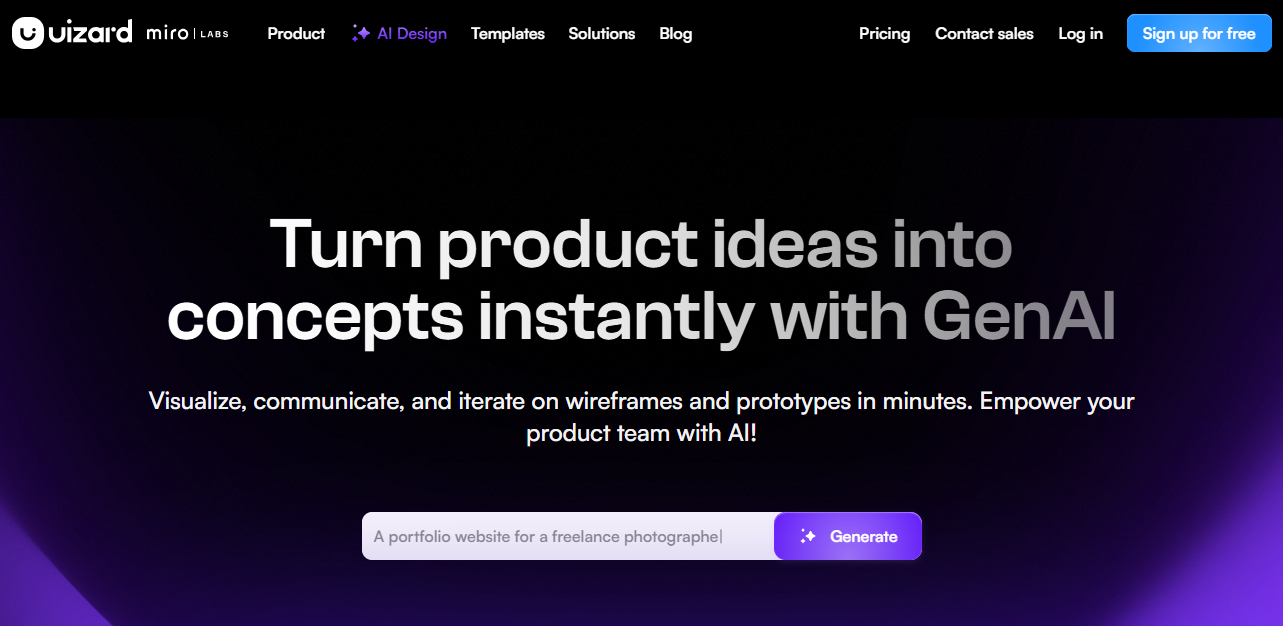
Best use cases: App prototyping, early-stage product communication, stakeholder presentations, startup UI concepts, and product manager workflows.
Key features:
- Screenshot-to-design (unique feature in the market)
- Text-to-UI generation via Autodesigner
- Clickable prototypes from generated designs
- Mobile and desktop design support
- Export to common formats and handoff-ready specs
Pricing:
- Free (2 projects)
- Pro: $19/month
- Business: $49/month
7. Microsoft Designer
Microsoft Designer is an AI-powered design tool built directly into the Microsoft 365 ecosystem, with smart layout suggestions, contextual text styling, and DALL-E-based image generation. For anyone already living in Word, PowerPoint, or Teams, it integrates naturally into existing workflows.
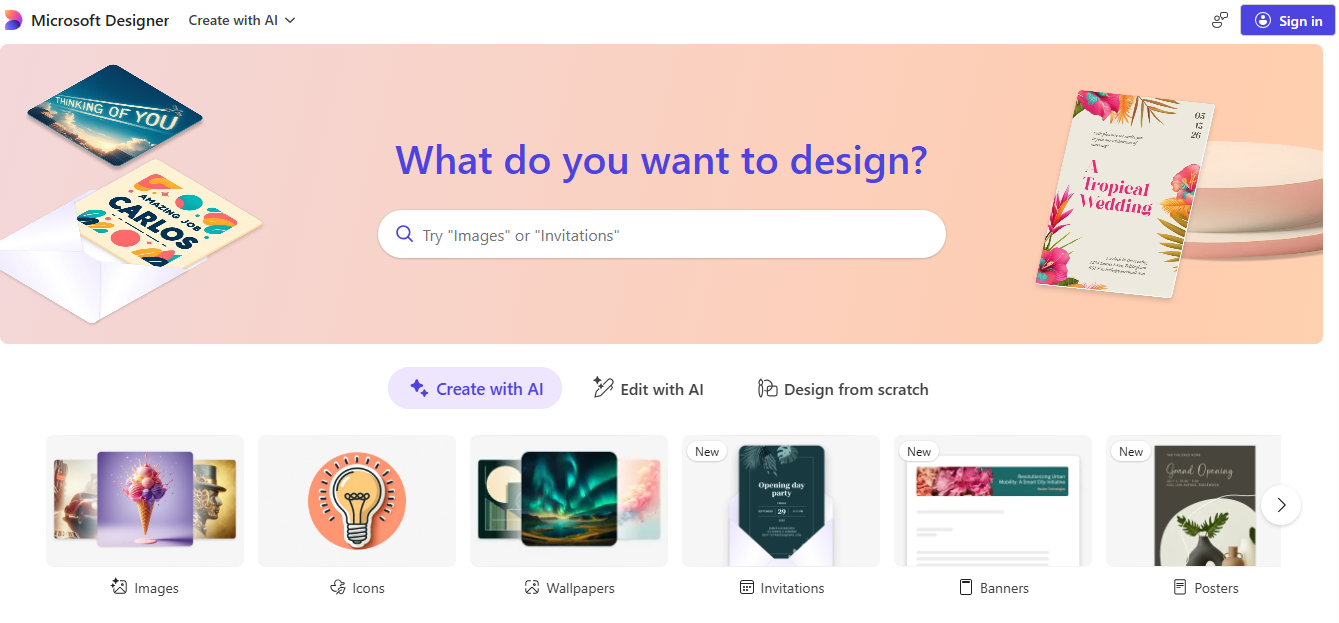
Best use cases: Social media content, pitch decks, presentations, branded marketing materials, and visual content for enterprise teams.
Key features:
- Deep integration with Microsoft 365 and PowerPoint
- Brand style guide application for automatic design consistency
- AI-generated imagery via DALL-E
- Social media content templates and sizing
- Available in Microsoft 365 Personal and Family plans
Pricing: Included with Microsoft 365 subscriptions (Personal from $6.99/month, Family from $9.99/month). Standalone access available at no additional cost for M365 subscribers.
8. Midjourney
Midjourney remains the gold standard for AI image generation quality in 2026. While it's not a full design tool in the traditional sense, it's an essential part of many non-designer workflows for producing high-quality concept art, marketing visuals, mood boards, and creative imagery that other tools simply can't match.
Best use cases: Marketing campaign imagery, mood boards, concept art, social media hero images, blog post visuals, and brand photography alternatives.
Key features:
- Highest output quality of any AI image generator
- Consistent style across multiple generations using parameters
- Image variations and upscaling
- Improving text-in-image accuracy
- Commercial usage rights on paid plans
Pricing: Basic plan starts at $10/month. Standard $30/month. Pro $60/month.
You may also read:
AI Apps That Help Lawyers Draft Contracts Faster
Underrated AI Tools for Real Estate Agents in 2026
How to Choose the Right AI Design Tool for You
Use Case | Best Tool | Runner-Up |
Best for beginners | Canva AI | Microsoft Designer |
Best for social media | Canva AI | Adobe Express |
Best for branding | Looka | Canva AI |
Best for startups | Looka + Canva | Framer AI |
Best free AI design tool | Canva Free | Figma Starter |
Best for UI/UX design | Figma AI | Uizard |
Best AI logo maker | Looka | Canva AI |
Best for presentations | Canva AI | Microsoft Designer |
Best AI website builder | Framer AI | Looka (Brand Kit Web) |
Best for creative imagery | Midjourney | Adobe Firefly |
Conclusion
In 2026, artificial intelligence has radically redefined the capabilities of non-designers with its new design applications, making the difference between someone having "no design knowledge" and producing "high quality results" smaller than ever. You can choose either Canva for its all-in-one package approach, Looka to build your brands, or Framer for rapid creation of websites; but whatever you pick, the most important thing is just to go for it.
FAQ
1. What is the best AI design tool for beginners with no experience?
Canva AI is the best starting point for beginners. Its Magic Studio features including Magic Design, Magic Write, and Magic Layers let you generate professional-looking graphics from a text prompt with zero design knowledge. The free plan is genuinely useful, and the interface is intuitive enough to get results on your first session.
2. Are AI design tools free to use?
Many top AI design tools offer free plans, including Canva, Figma (Starter plan), Uizard (2 projects), Framer (with subdomain), and Google Stitch. However, most free tiers have limitations on exports, AI credits, or features. For serious business use, paid plans, typically $10–$45/month unlock the full feature set.
3. Can AI design tools replace a professional graphic designer?
For many everyday design tasks like social media posts, presentations, basic logos, and marketing materials, AI tools can handle the job effectively without a professional designer. However, for complex brand strategy, detailed illustration, custom typography, and high-stakes creative work, human designers still deliver what AI can't. Most businesses in 2026 use AI tools for volume and speed while reserving professional designers for strategic creative work.
4. Which AI tool is best for making a logo for my small business?
Looka is the most purpose-built and popular AI logo maker for small businesses. It generates professional logos based on your industry, style preferences, and colors, then provides a complete brand kit including social media templates and business card designs. The Premium Logo package ($65 one-time) is the recommended entry point, it includes all the vector file formats needed for professional print and digital use.
Sources: